
Which camera do I have?Updated 2 months ago
You have one of our cameras but aren't sure which one, or which app you need?
This guide will help you. We have linked all of the relevant guides to our cameras under the different listings below.
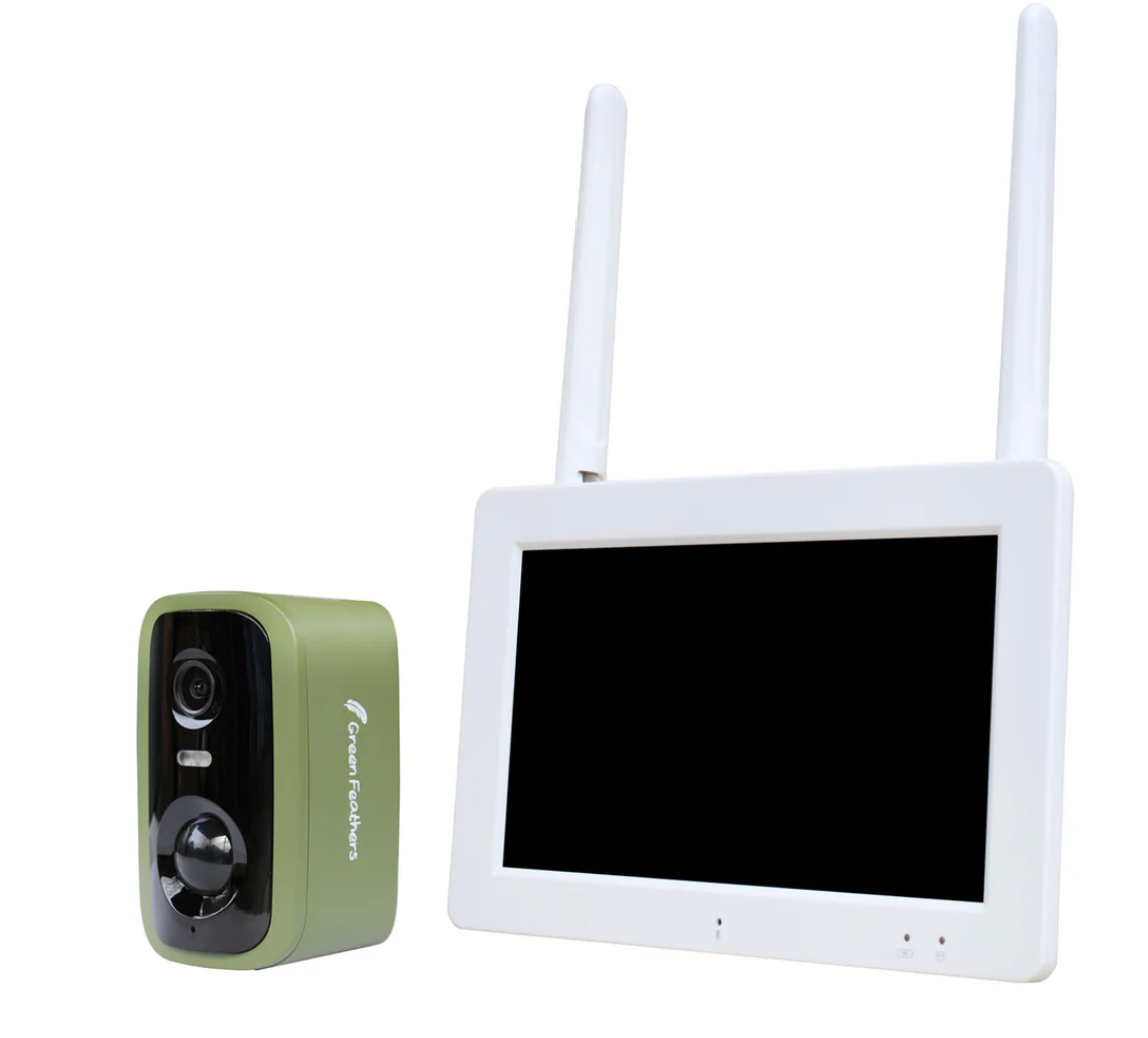
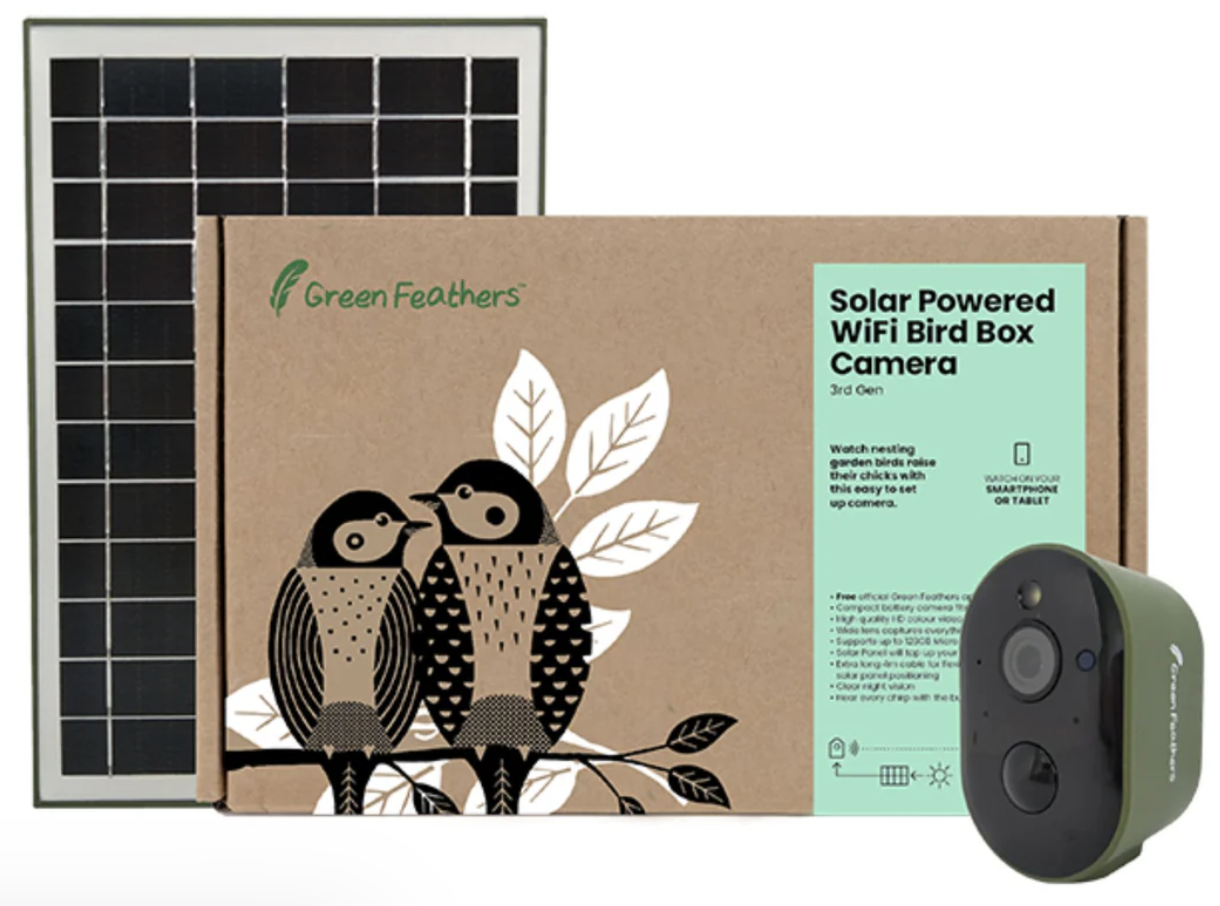
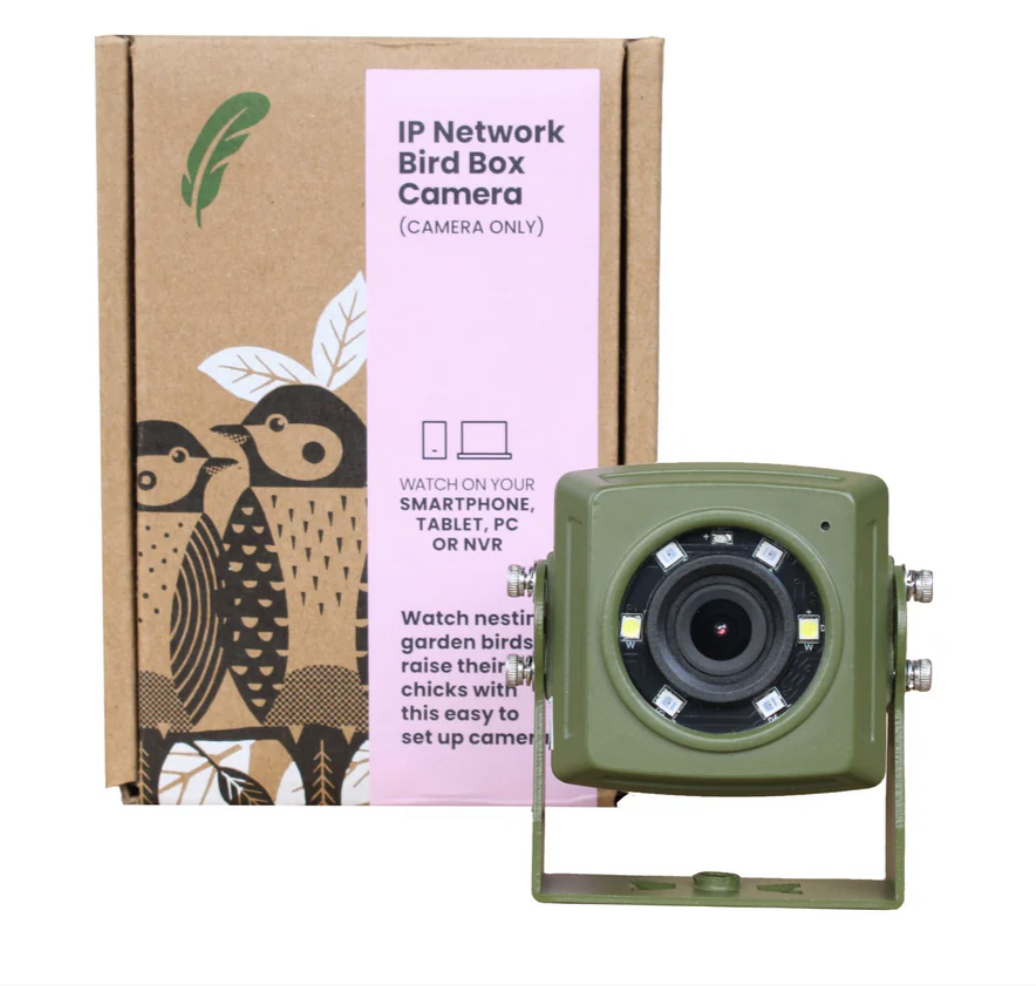
We have separated all of our primary guides out between our cameras so if you follow the link for your camera below it will take you to the associated help page where you should find all the information you need. We have provided the product code and name/picture of the associated camera in each guide, so make sure to check these to make sure that you are getting the right information.
If you don't know which camera you have here are a few ways to find out -
- Check the camera/box for any information (they should have little labels on which tell you the model and product code)
- Check the original invoice or order confirmation
- Check our website and find the one you have
- Get in contact with us here.
The following cameras are our 3rd, 4th Gen and Screen Pack cameras that use
The Green Feathers App -
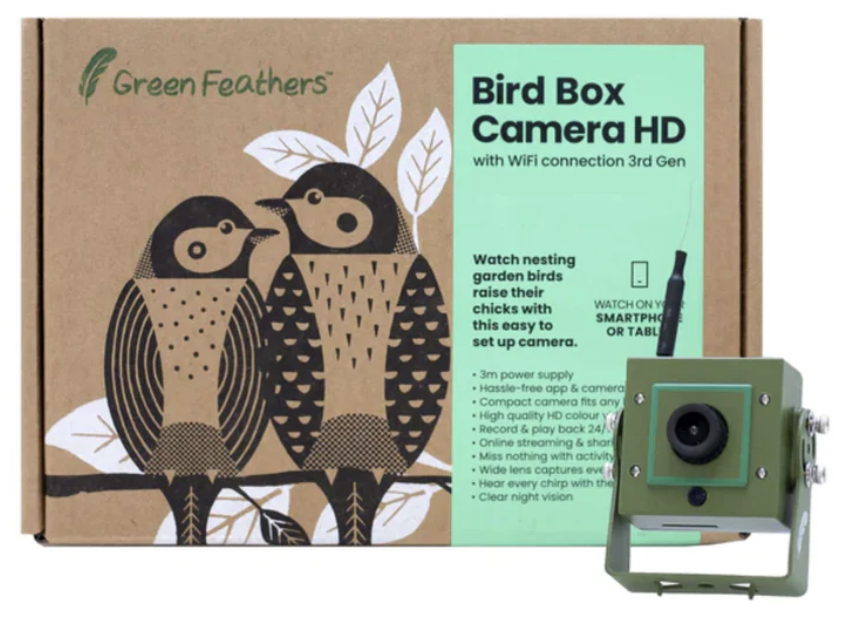 | |
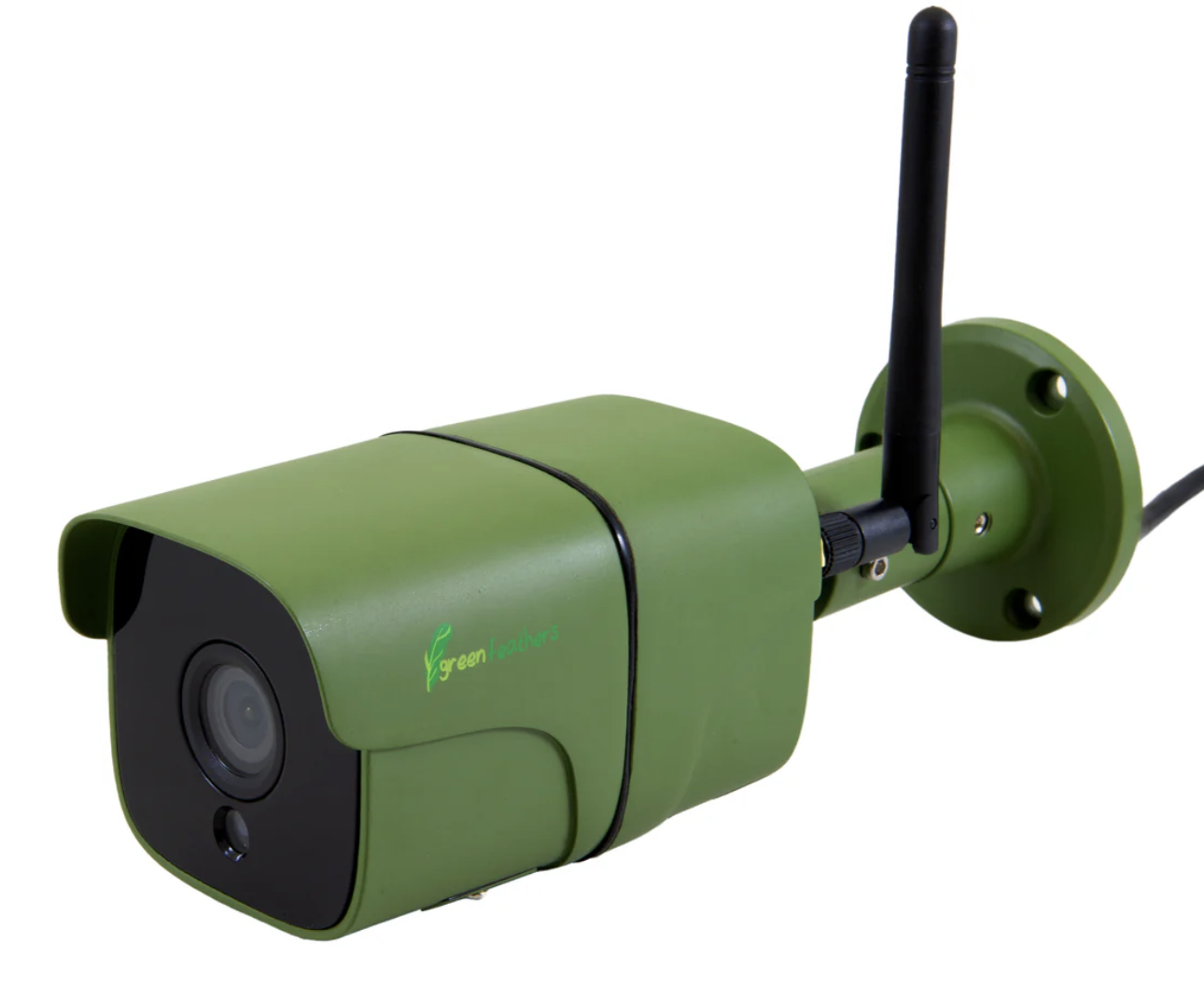 | |
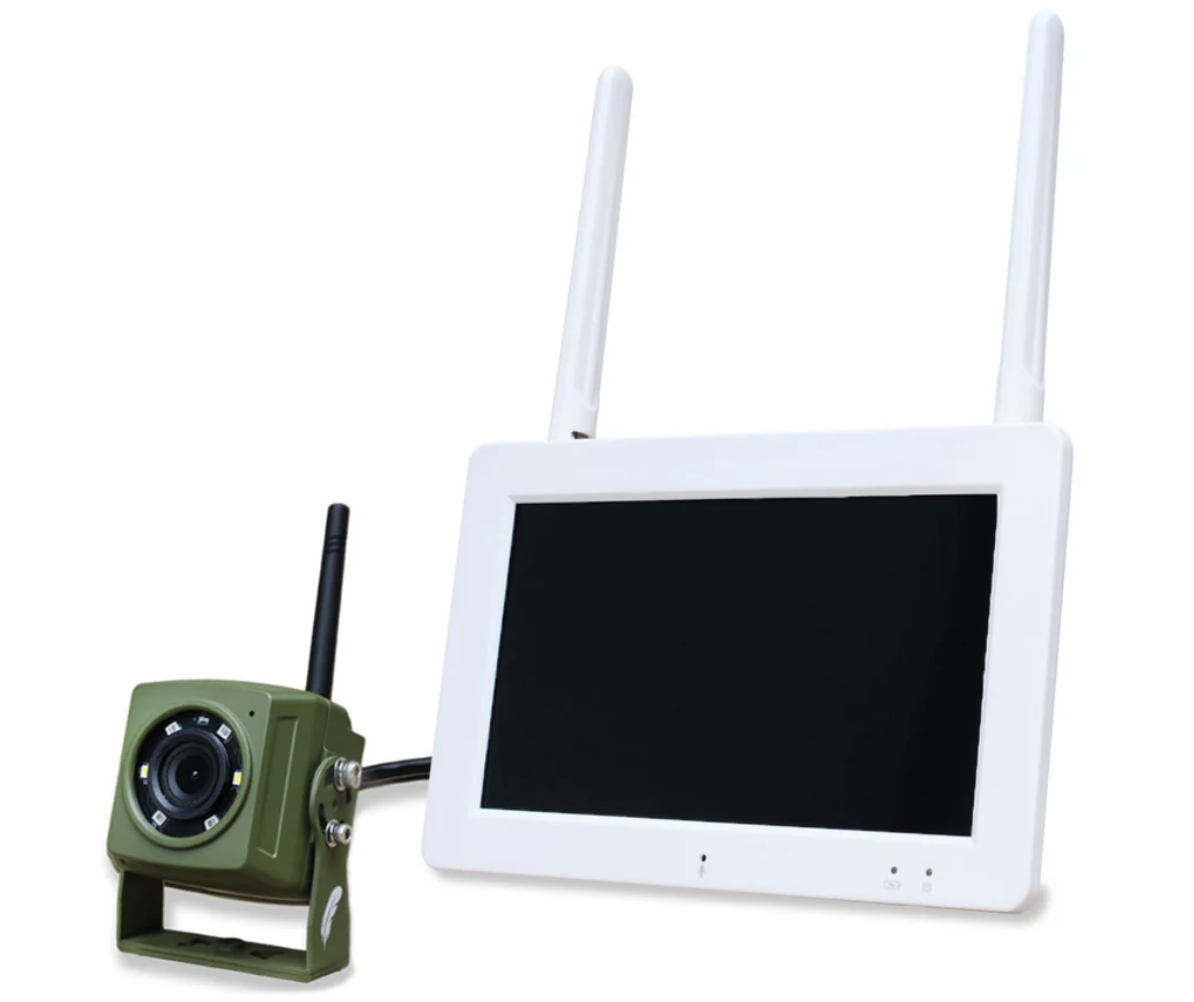 | |
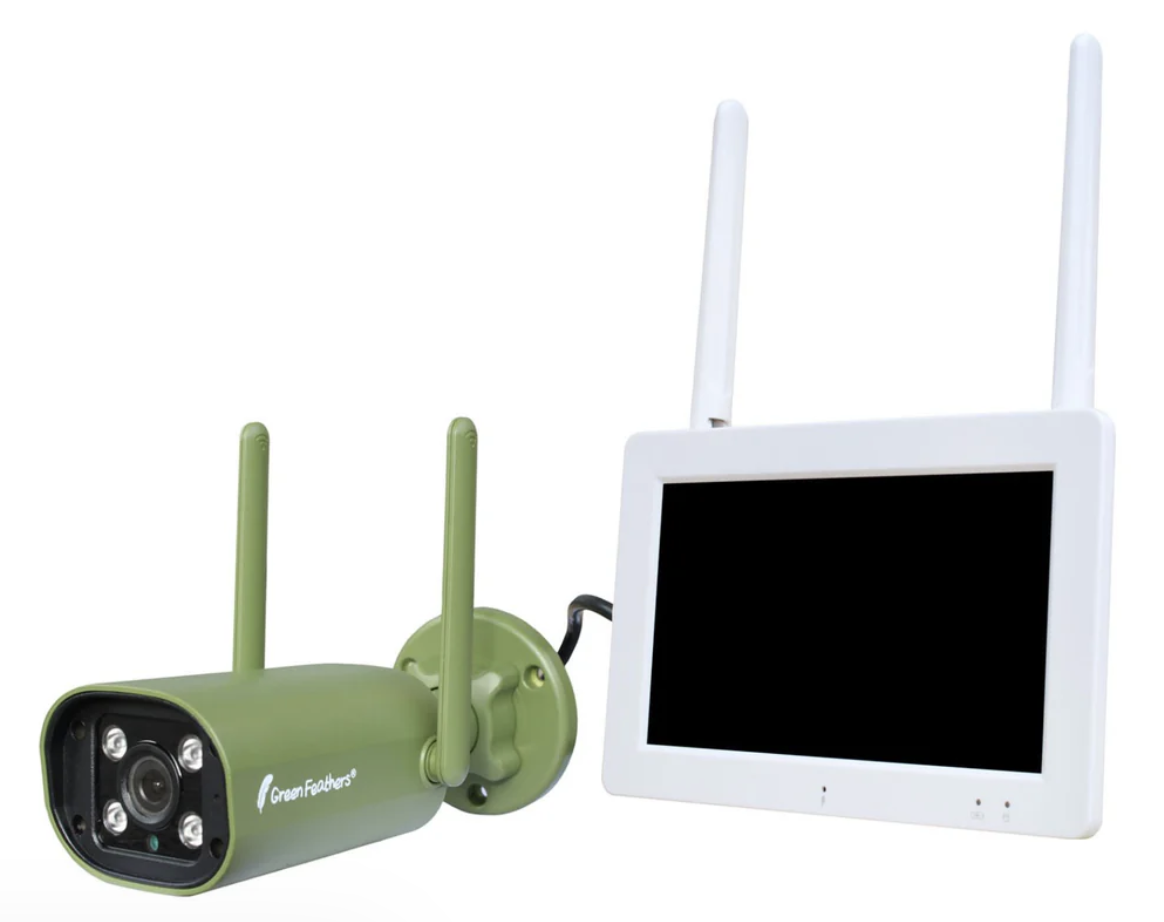 |  |
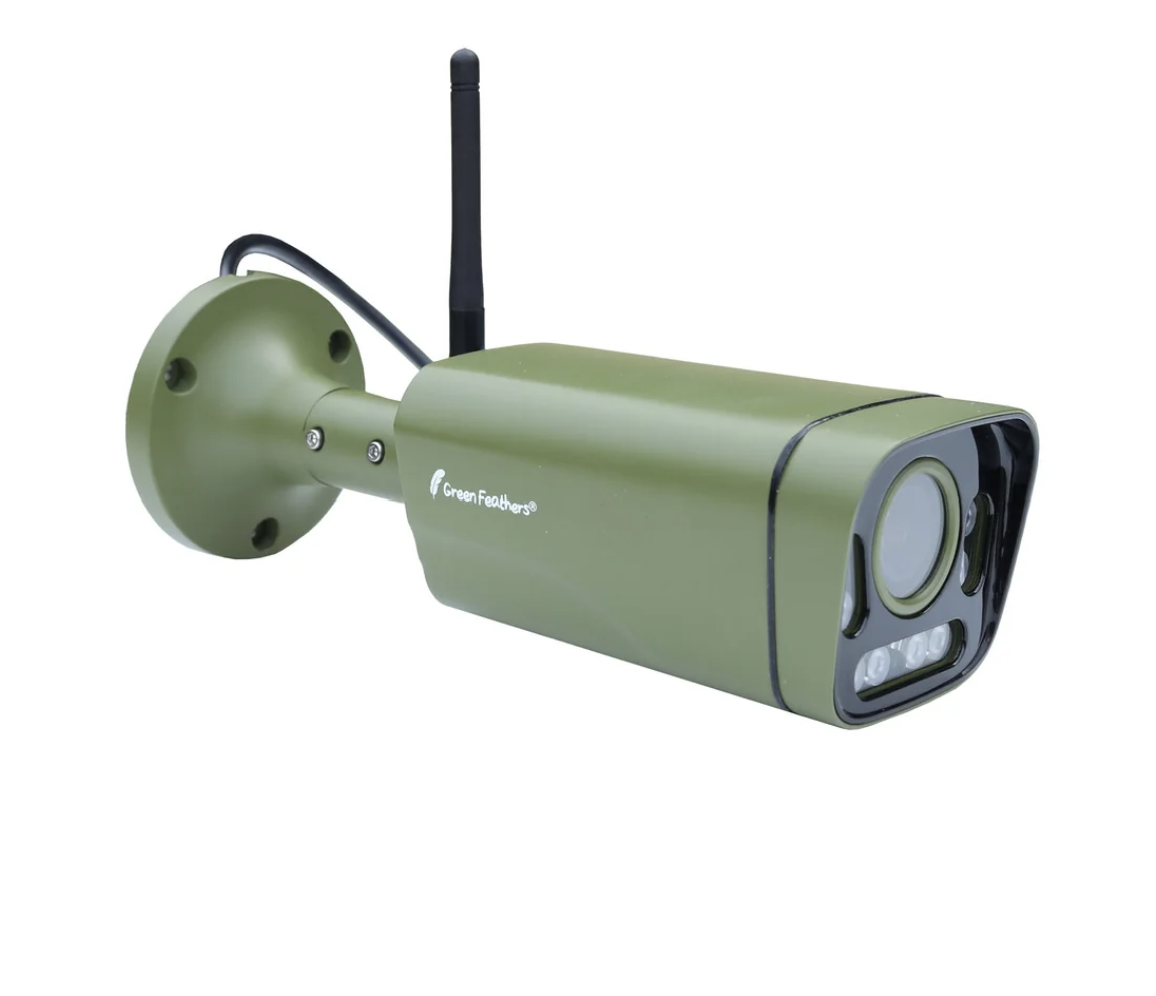
The following cameras are our 1st and 2nd Generation and they use the
iCSeePro app -
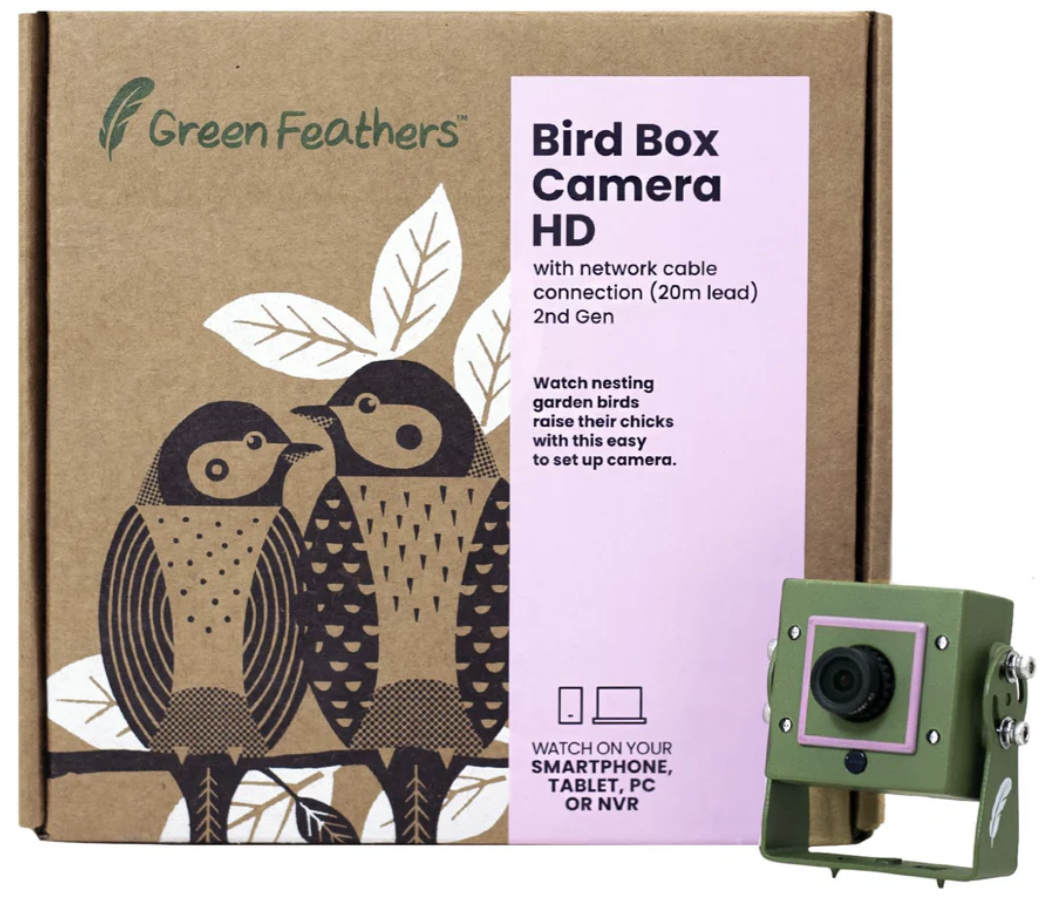 | 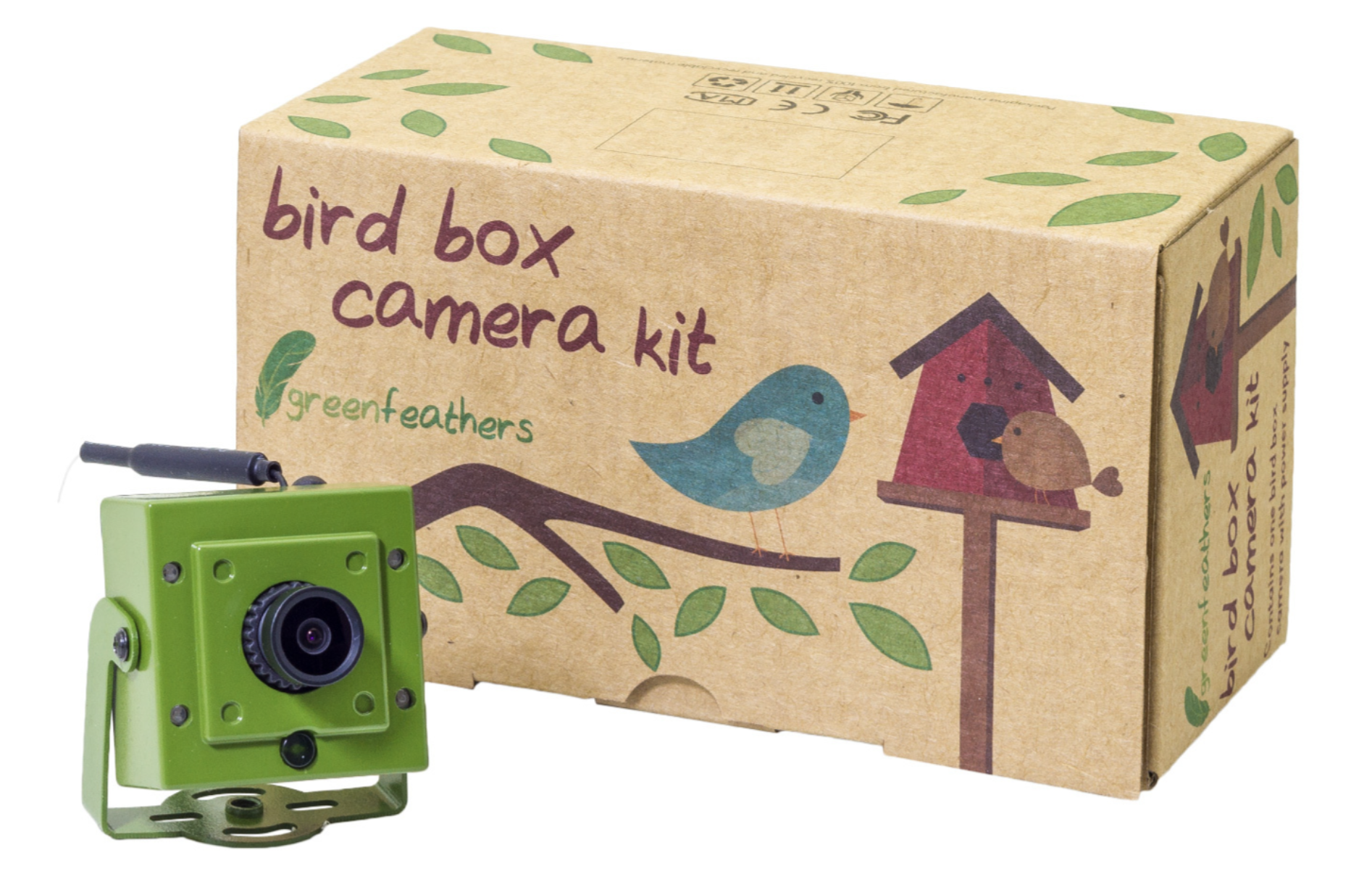 |
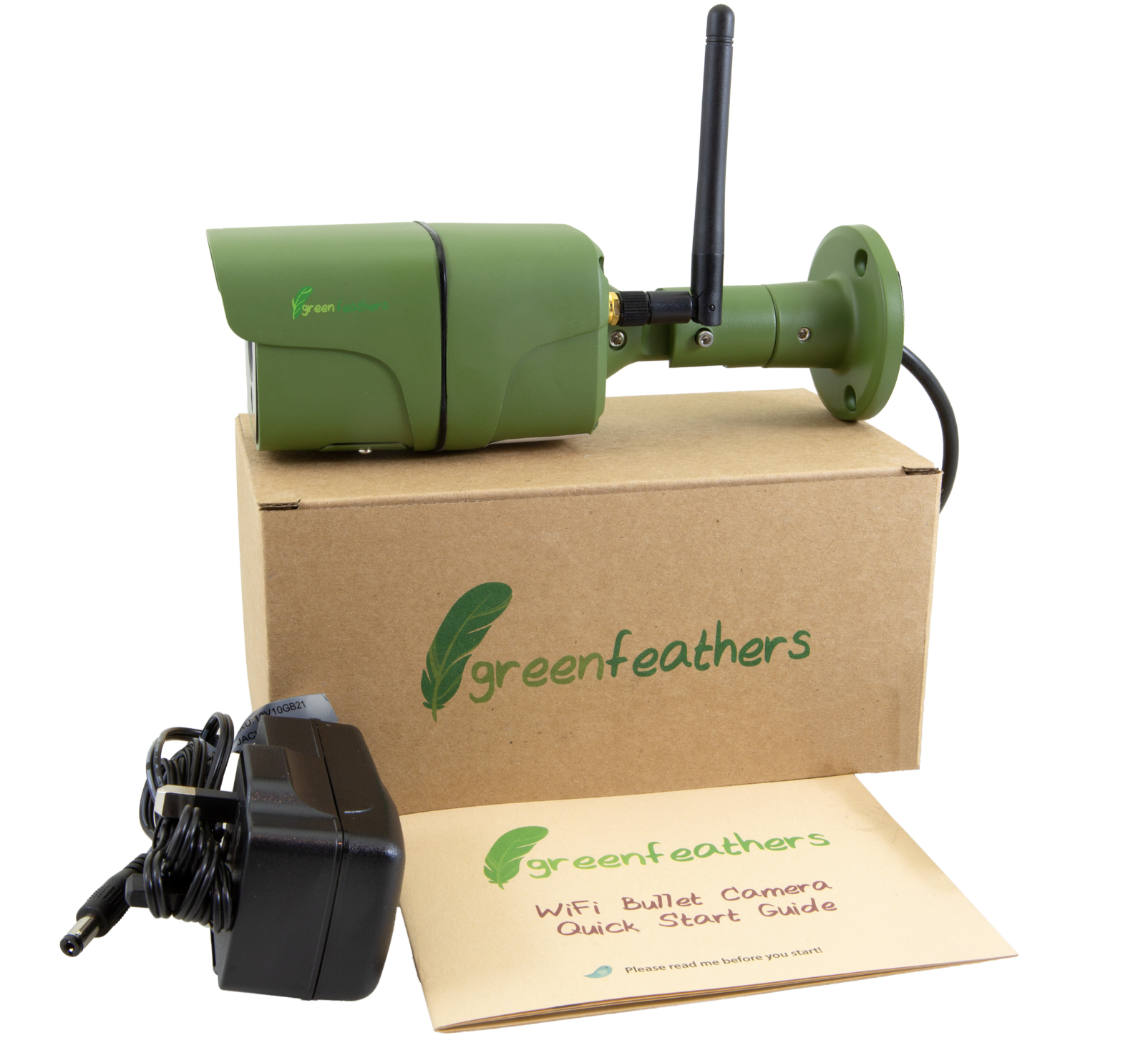 | |
These next few cameras are not WiFi enabled and are not compatible with either app -
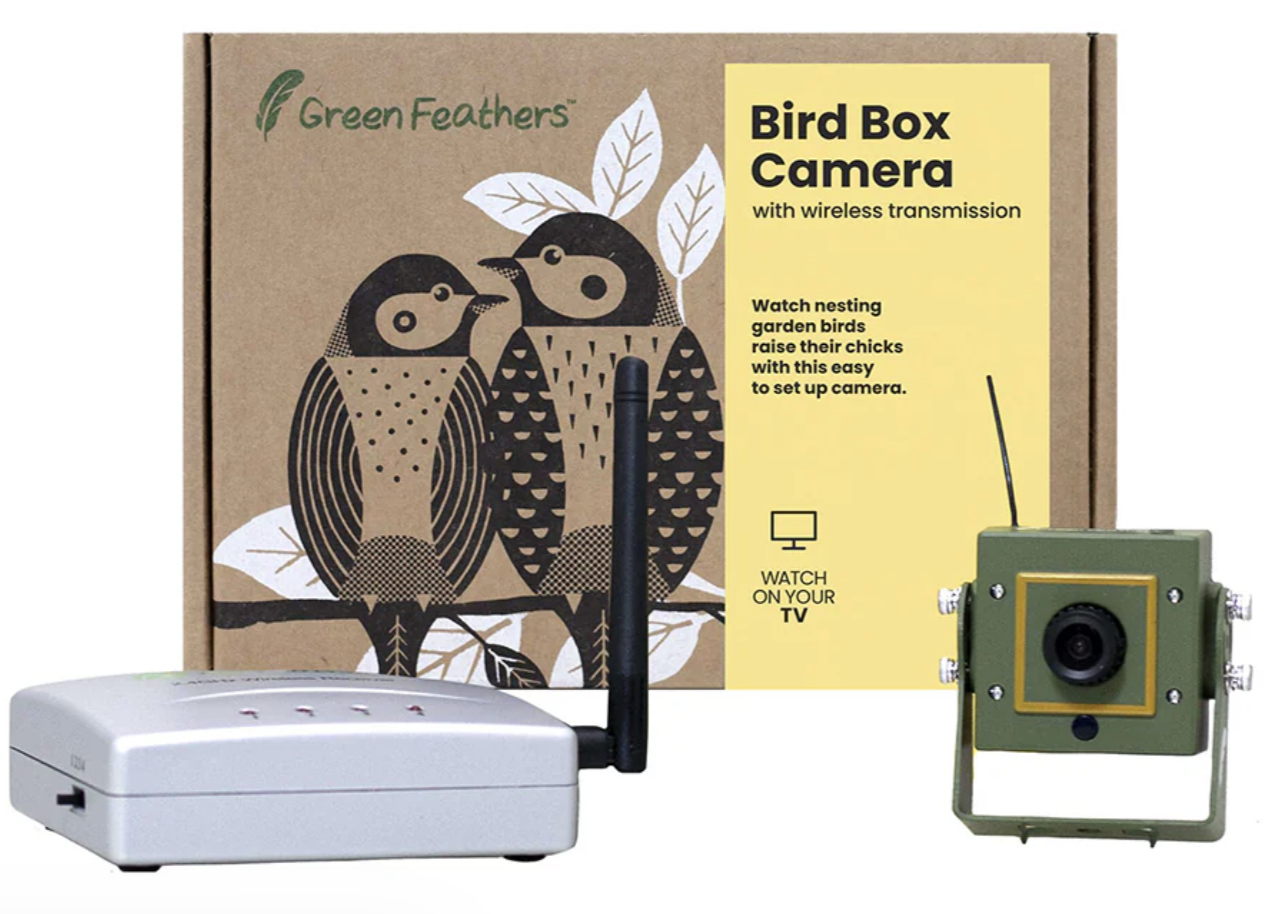 | 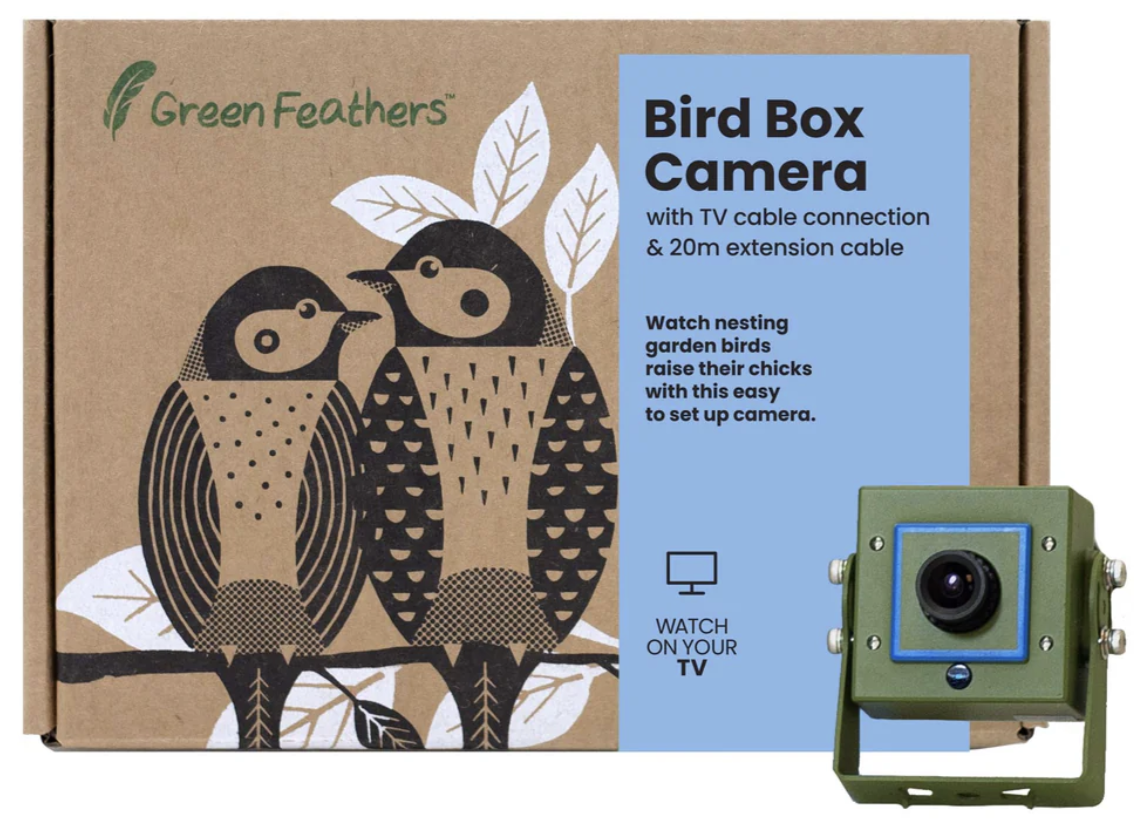 |
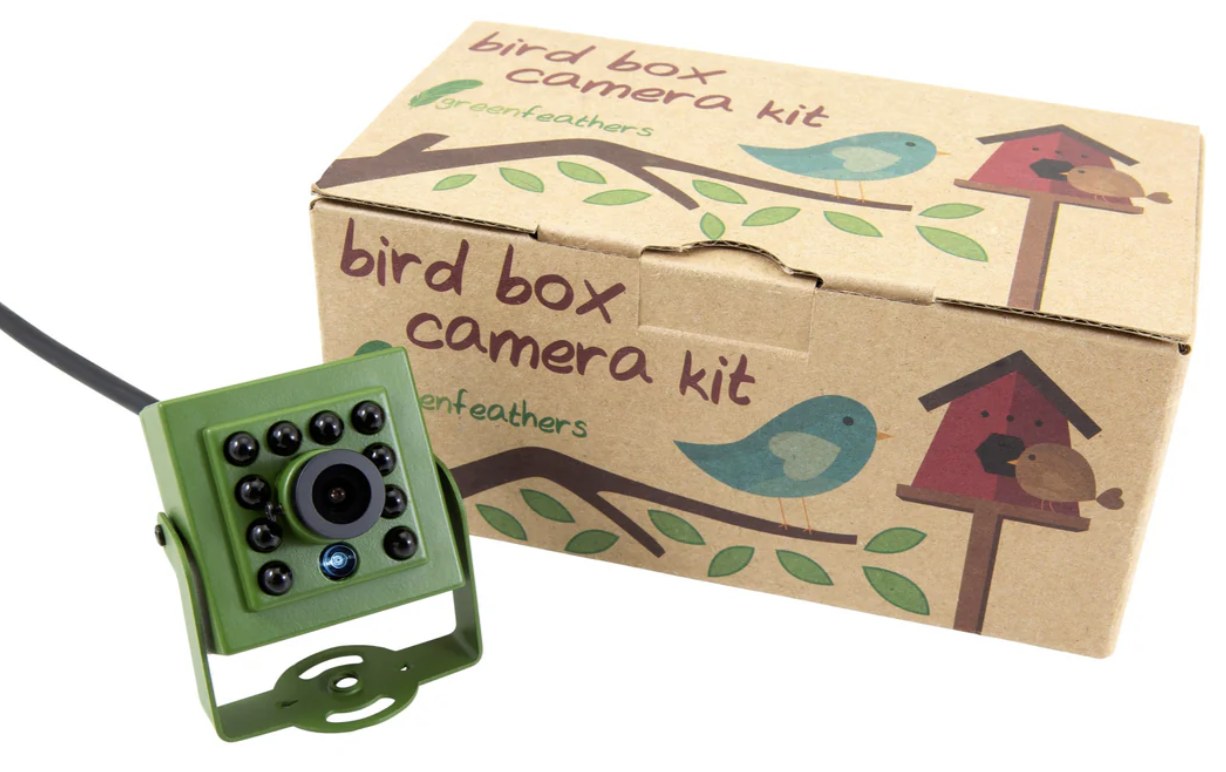 | 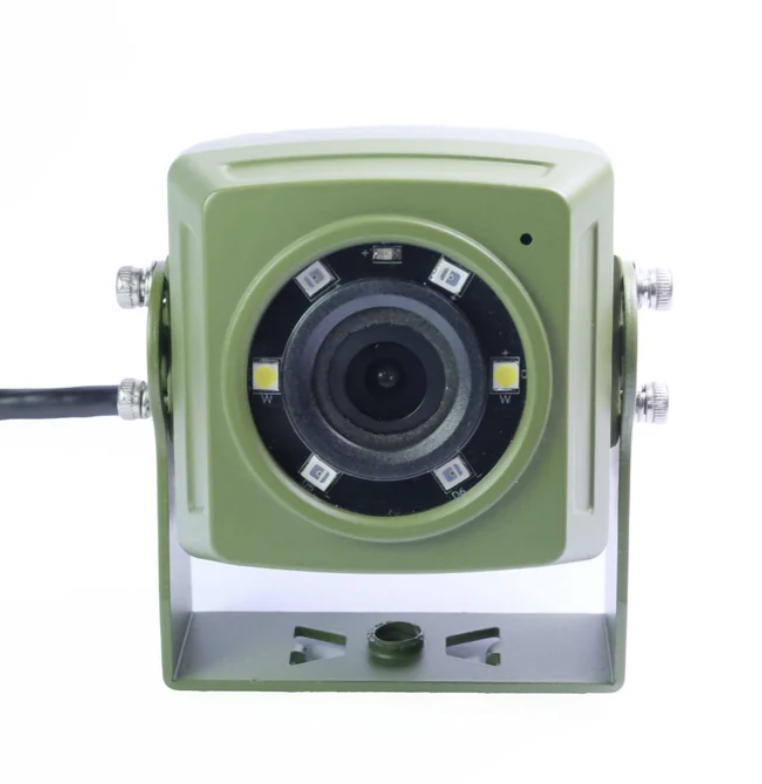 |
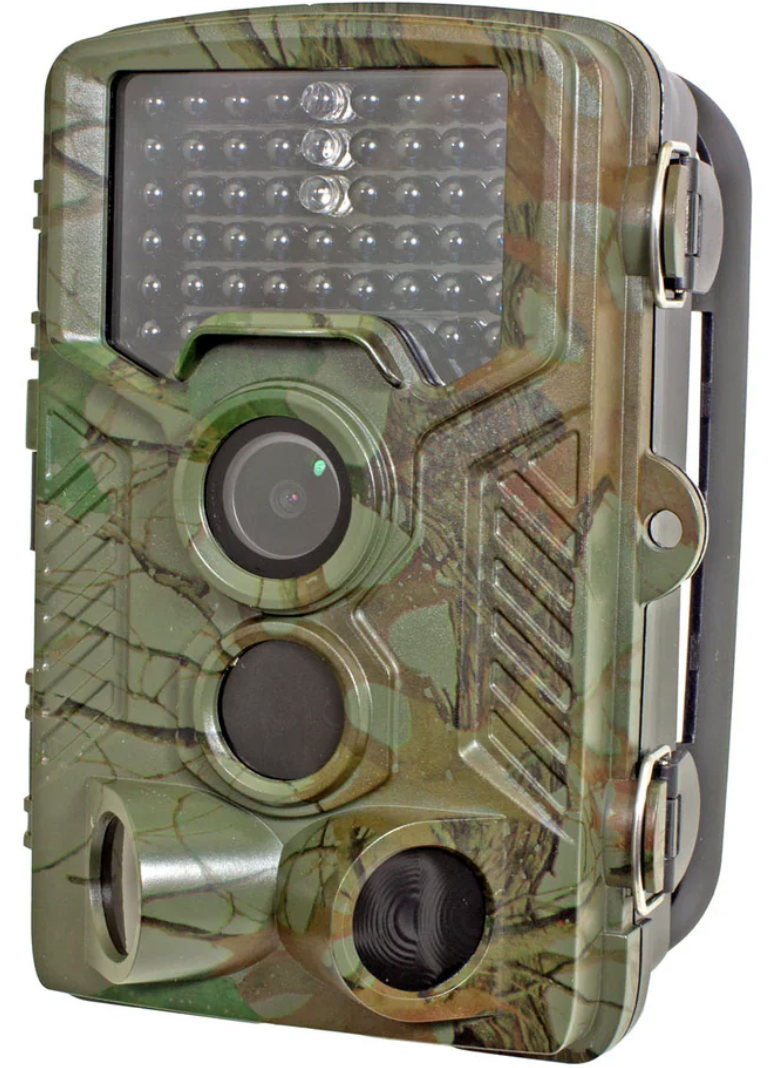 | |
Need more help?
If you need help with anything else please check out our other guides or get in contact.