
Wired IP Camera Offline (NCIP2/NCIPEVO)Updated 2 months ago
This guide is designed to reboot your Wired HD IP Bird Box Camera and get it back online. If you are unsure of which camera you have, please have a look here.
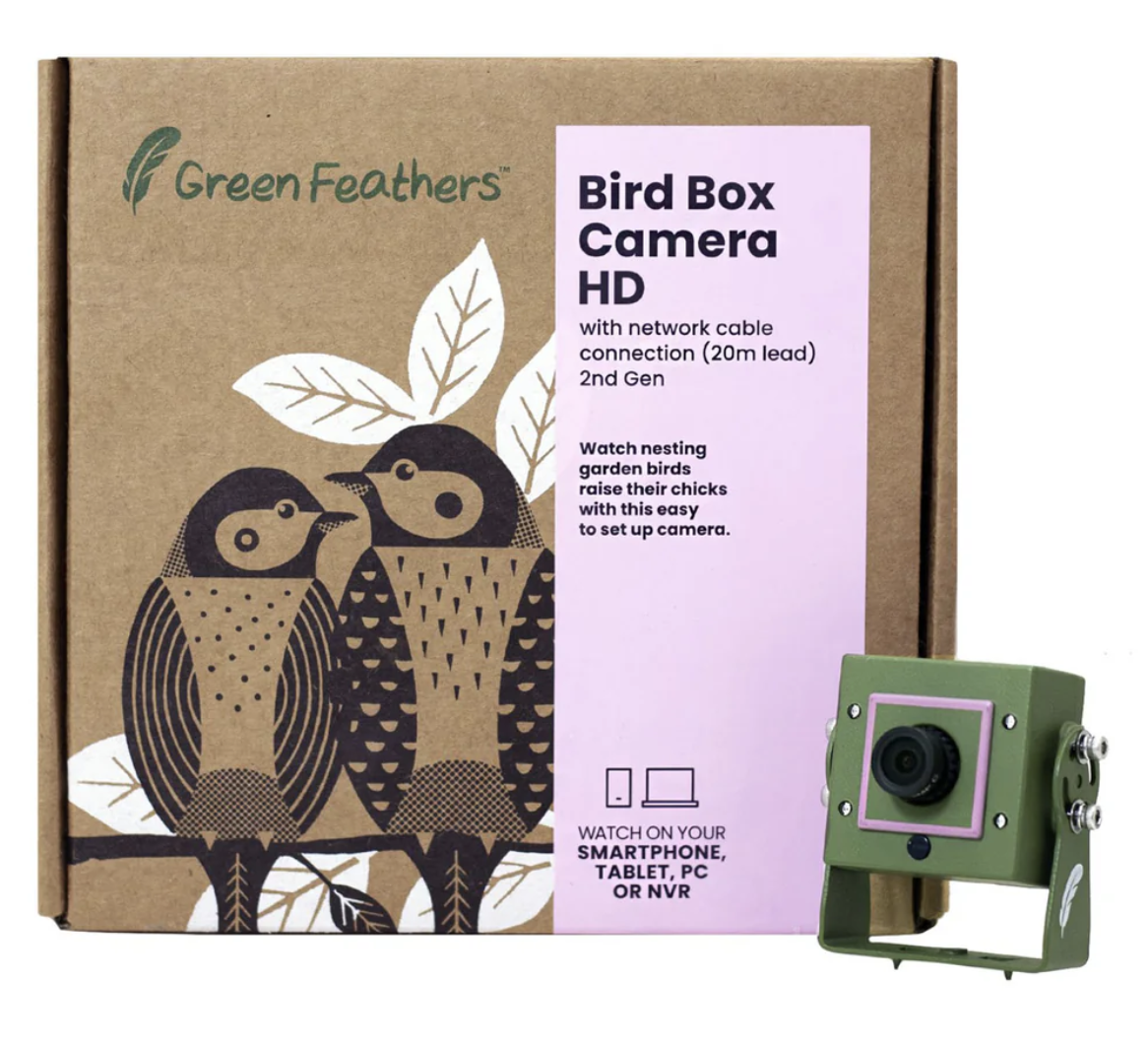
2nd Gen Wired IP Camera (NCIP2, NCIP9, NCIPEVO)
To Begin:
To attempt to get this problem resolved we will need to try adding the camera to a pc/mac, the below guide goes through the steps on how to do this.
Once added the important part will be in the Device Manage page where we have added the camera, in the lower section you should have the camera details and to the very right on this should be 4 icons, the important one here is the 3rd that says "IP" if you click on this it should open up a new window where you can then click on "Auto GetAddress" and save the changes.
With any luck this should then reboot the camera and within a couple of minutes will get it up and running
Need more help?
If you need help with anything else please check out our other guides or get in contact.